View / Update Workspace
View Workspace
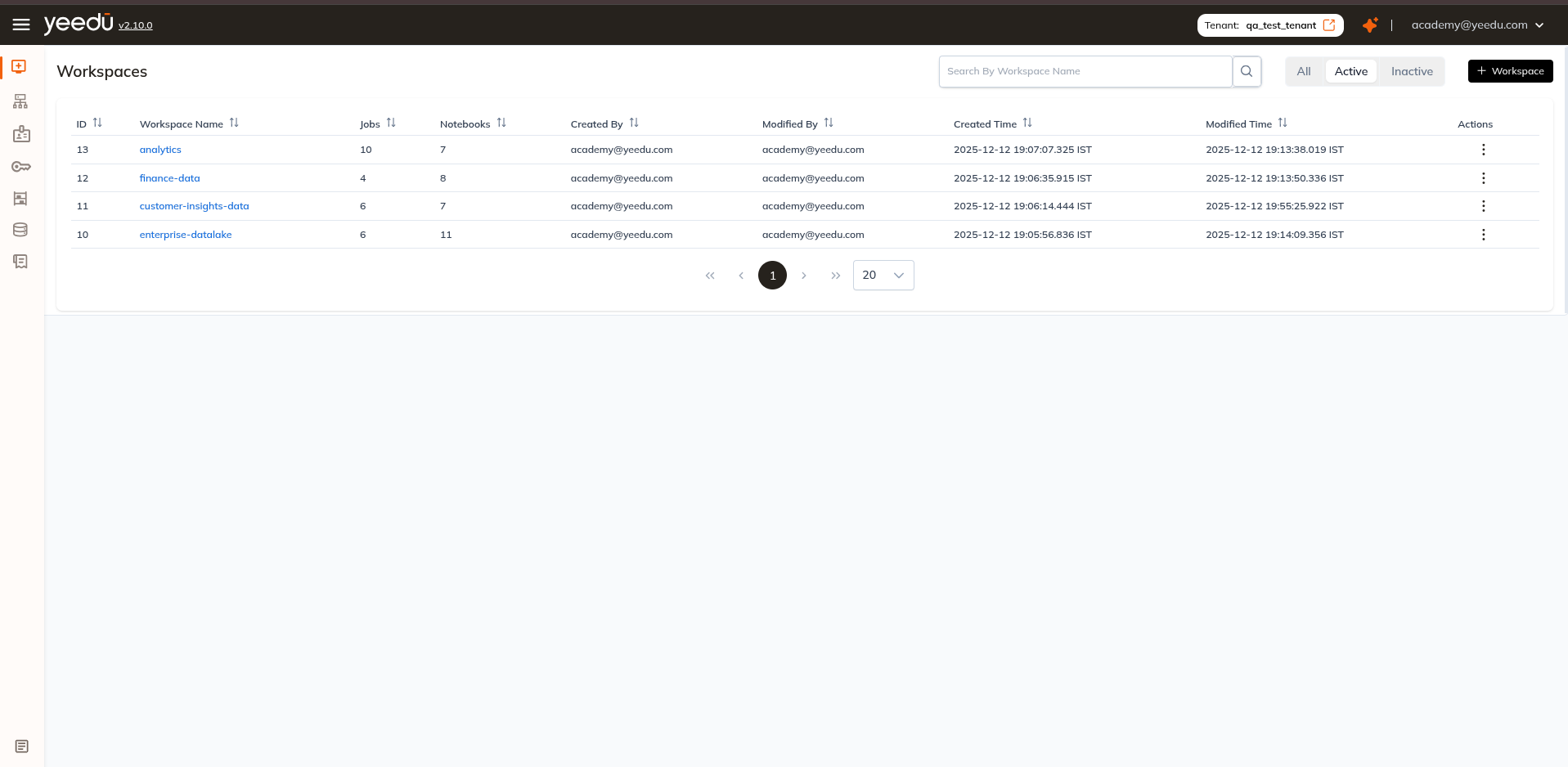
To view your Workspaces, select Workspaces in the Yeedu navigation panel. The Workspace Dashboard displays all Workspaces you have access to, along with key metadata such as the creator, last modification timestamp, and the number of Jobs and Notebooks in each Workspace. Click on any Workspace name to navigate into it and explore its contents.
Update Workspace
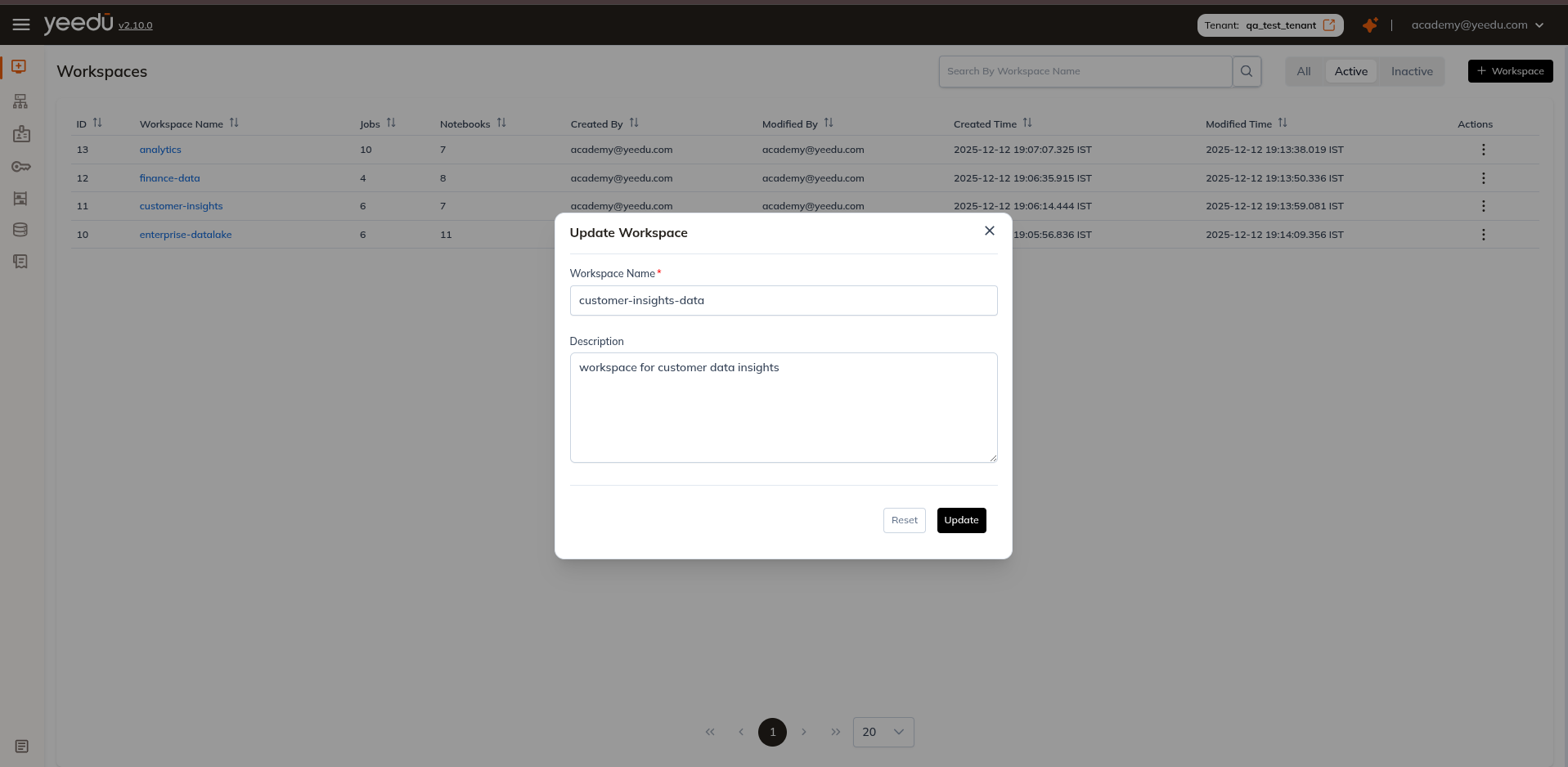
The 'Edit' button within the Action column enables users to modify the workspace name and include a description. Updating the Workspace name or description does not affect any Jobs, Notebooks, or files inside it — all content and configurations remain unchanged.
note
Only users with Can Manage or Can Edit permissions can update a Workspace. The Workspace must be in Active status to be edited.
Workspace Permission Matrix
| Ability | Can Manage | Can Edit | Can Run | Can View |
|---|---|---|---|---|
| Workspace Access Management | ✔ | ✖ | ✖ | ✖ |
| Activate or Inactivate the Job, Notebook, Workspace | ✔ | ✔ | ✖ | ✖ |
| Create or Update Job or Notebook Configurations | ✔ | ✔ | ✖ | ✖ |
| Run or Stop the Job or Notebook | ✔ | ✔ | ✔ | ✖ |
| Read All Job or Notebook Configurations and Runs | ✔ | ✔ | ✔ | ✔ |